Rec Room: A New Semester VR Headset Compatibility
Which headsets work with RR:ANS on Steam PCVR—and which paths to skip.
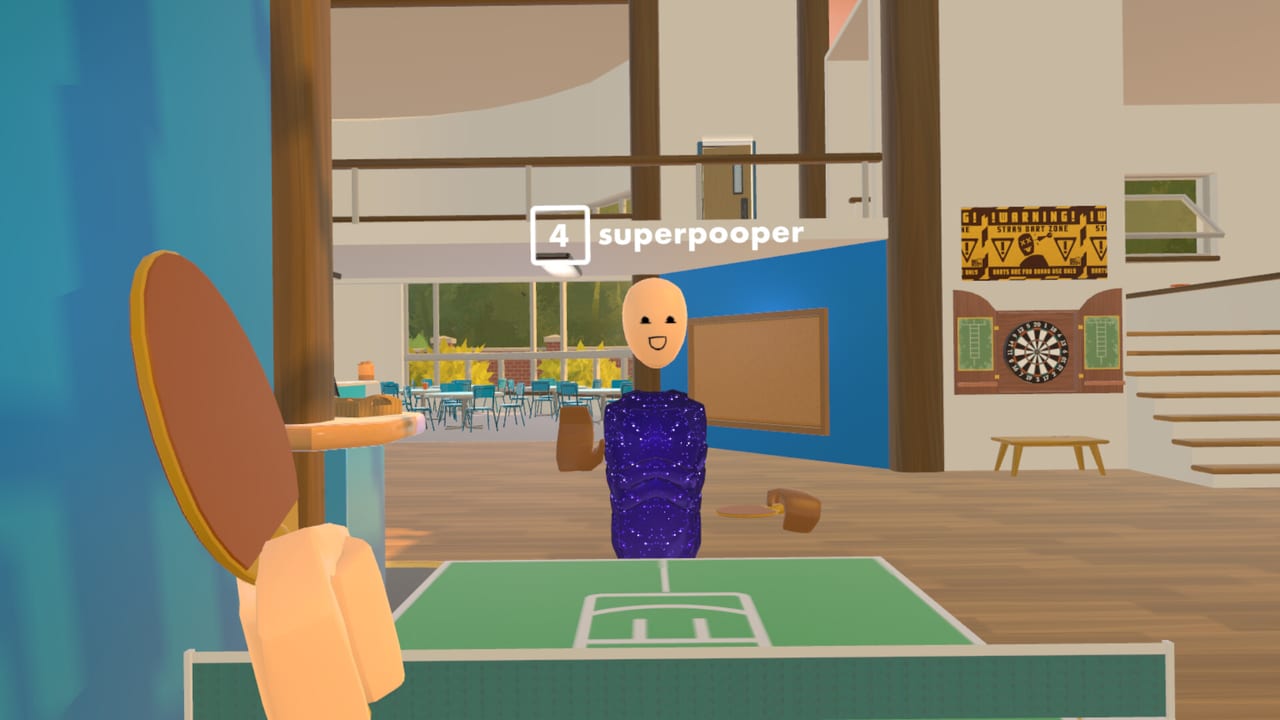
Rec Room: A New Semester is built as a Steam PCVR social sandbox. This page explains which headset families fit that model, how Quest users must connect through a PC, and what to verify before November 24, 2026 Early Access. Read it with System Requirements, Keybinds & UI, and the Tools Hub.
Critical rule up front: Quest standalone is not supported. There is no native on-headset App Lab / store client in the stated plan. Quest hardware works when the game runs on a capable PC and streams/links to the headset.
This wiki is unofficial and not affiliated with Rec Room Inc.
Compatibility matrix (PCVR)
| Headset family | Supported path | Notes |
|---|---|---|
| Meta Quest (2/3/3S/Pro class) | PC Link / Air Link / comparable PC streaming | Requires gaming PC meeting sysreq; no Quest Store standalone |
| Meta / Oculus Rift family | PCVR via PC software + SteamVR-class stack | Desktop VR path only — not a mobile store build |
| Valve Index | SteamVR native | Excellent finger/social expressiveness |
| HTC Vive / Vive Pro class | SteamVR native | Supported with limited expectations on some features; confirm base stations |
| PlayStation VR2 | PCVR adapter path | Needs official PC adapter + SteamVR; PSVR2 Toolkit for eye-tracking workflows where supported |
| PlayStation VR1 | Limited third-party PC paths | Not a primary pitch — expect constraints |
| Steam Frame | Planned / watch closely | Standalone ambitions post-release; optional eye tracking later — do not assume day-one Frame exclusives |
| Bigscreen Beyond | Maybe / SteamVR-class PCVR | Treat as a watchlist HMD until live patch notes confirm |
| Other OpenXR / SteamVR HMDs | Best-effort via SteamVR | Verify controllers bind in VR Controls |
If your device only exists as a mobile VR APK store title, it will not launch RR:ANS without a PC in the loop.
Quest via PC — practical setup
- Confirm the PC passes System Requirements.
- Install Meta PC software (or your preferred OpenXR link stack) and SteamVR.
- Enable Link cable or Air Link; for Air Link use strong 5/6 GHz Wi-Fi and a room near the router.
- Launch SteamVR first, put the headset on, then start RR:ANS from Steam.
- Set a comfortable play space; social games involve turning to face friends often.
- Test microphone permissions before inviting a party from the Players Hub.
Air Link convenience trades away some bitrate stability. Launch weekend crowds plus Wi-Fi congestion can look like “game bugs.” Cable Link remains the reliability king for first impressions described in the Launch Guide.
Valve Index and Vive family
Index and Vive-class headsets are the straightforward SteamVR story: base stations (where required), SteamVR binding, done. Index knuckle controllers shine for expressive social body language once you learn grips in VR Controls. Vive wand or Cosmos-style controllers still work for locomotion and menus—rebind early so Creator Pen grabs feel natural (Creator Pen). Remember Vive support is framed with limited feature expectations compared with flagship Index setups.
Keep lighthouse firmware and SteamVR betas under control during EA. Optional SteamVR beta branches can break on patch day; switch back to stable if RR:ANS black-screens after a runtime update.
PSVR2 on PC (and PSVR2 Toolkit)
PSVR2 can join via Sony’s PC adapter ecosystem and SteamVR. Budget time for adapter firmware, camera/SLAM setup, and verifying both sense controllers. Players who care about eye tracking should watch PSVR2 Toolkit integrations and RR:ANS patch notes — eye tracking is optional tooling, not a day-one requirement to socialize.
Because PSVR2 players sometimes dual-use console and PC, label cables and USB ports so you are not debugging display adapters while friends wait in a lobby. Performance still hinges on the PC GPU, not the PlayStation. Meet recommended specs if you want busy Winter Wonderland rooms in December to stay comfortable.
PSVR1 remains a limited third-party conversation. Prefer Index, Quest-via-PC, Vive, or PSVR2 PC if you are buying hardware specifically for RR:ANS.
Steam Frame and Bigscreen Beyond
Steam Frame appears in developer VR messaging with standalone planned after release and optional eye tracking later. For Early Access on November 24, 2026, plan on conventional SteamVR / PCVR paths first; treat Frame standalone as a post-release milestone, not a launch guarantee. Re-check the Steam News Digest and Roadmap when Frame firmware and RR:ANS builds align.
Bigscreen Beyond is a high-resolution SteamVR-class candidate. Public messaging treats it as a maybe — great if your PC already drives Beyond comfortably, not something to impulse-buy solely because a slide mentioned it. Confirm controller pairs and SteamVR stability before a party night.
Controllers, hand tracking, and comfort
RR:ANS is a social avatar game—controller presence matters more than raw resolution. Before chasing 120 Hz modes:
- Confirm both controllers track at torso height and overhead.
- Set snap vs smooth turn according to stomach comfort (VR Controls).
- Remap watch/menu and grab actions via Keybinds & UI.
- Enable vignetting or teleport options if dash locomotion nauseates you.
- Test seating vs standing; many Rec Center–style spaces support both.
Hand tracking and eye tracking, if exposed in a build, should be treated as experimental or optional during Early Access until patch notes say otherwise on the Updates Hub.
Party planning across mixed headsets
Mixed parties are normal: one Index, two Quests-via-PC, one PSVR2, maybe a Beyond. Align expectations:
- Everyone installs the Steam PC client.
- Quest friends acknowledge PC dependency—no standalone join code.
- Share this page plus System Requirements a week early.
- Pick meeting rooms with moderate prop counts so minimum-GPU friends can enter.
- Use Discord backup voice on night one (
discord.gg/EBqDcGxC2q).
Social habits beyond hardware live in Players. Creation sessions should host on the strongest PC when SDK import previews arrive (Roadmap).
Troubleshooting quick hits
| Symptom | Likely cause | Next step |
|---|---|---|
| Quest opens library but no RR:ANS | Looking for standalone app | Launch from Steam on PC via Link |
| SteamVR gray screen | Runtime/driver mismatch | Update GPU + SteamVR stable |
| Controllers missing binds | New EA build | Rebind via VR Controls / Keybinds & UI |
| Bitrate sparkles on Air Link | Wi-Fi congestion | Switch to cable or closer AP |
| Eye tracking unavailable | Optional / Toolkit not set up | Play without it; revisit PSVR2 Toolkit notes |
| Friends hear echo | Dual voice clients | Mute one of Discord/in-game |
Avoid third-party “VR unlocker” tools. RR:ANS is free on Steam—there is nothing to crack, and malware is a worse launch gift than a missing cosmetic from the Cosmetics Guide.
Flat-screen friends
Some friends will join without headsets. That is valid on a desktop Steam build, yet they should still pass CPU/GPU floors. Encourage them to try a cheap PCVR path later rather than buying Quest expecting standalone RR:ANS.
Accessibility and play-space tips
- Clear a radius free of pets and trip hazards.
- Use guardians/chaperones religiously in small rooms.
- Schedule breaks during 25-day cosmetic seasons so neck strain does not end your streak.
- Keep glasses spacers or prescription inserts ready for long social nights.
Where to go next
- Validate PC numbers on System Requirements.
- Learn bindings in VR Controls and Keybinds & UI.
- Follow Getting Started for first-hour goals.
- Track EA changes on Updates, Steam News Digest, and Roadmap.
- Keep official channels from Links for firmware alerts.
Bottom line
If it is PCVR via SteamVR-class tooling, you are in the supported conversation—Index, Vive (limited), PSVR2 PC (Toolkit for eye tracking), Quest-via-PC, Rift-class PCVR, with Steam Frame and Bigscreen Beyond as planned/maybe paths. If it is Quest standalone only, you are not. Sort that distinction before wishlist excitement turns into launch-day frustration, then spend your energy on rooms, friends, and Creator Pen instead of runtime archaeology.
Frequently Asked Questions
Quick answers for Rec Room: A New Semester players.
Does Rec Room: A New Semester support Quest standalone?
No. Quest headsets work only through PC VR link/streaming. There is no Quest Store standalone client in the stated plan.
Is the Valve Index supported?
Yes. Index is a native SteamVR headset path and fits RR:ANS PCVR play.
Can I use PSVR2 and eye tracking?
Yes via the PC adapter / SteamVR workflow. Your gaming PC must still meet system requirements. PSVR2 Toolkit is relevant for optional eye-tracking setups where supported.
What about Steam Frame and Bigscreen Beyond?
Steam Frame has standalone ambitions post-release with optional eye tracking later—do not assume day-one Frame exclusives. Bigscreen Beyond is a maybe on SteamVR-class PCVR until live notes confirm.
What should mixed headset parties do first?
Confirm every player has a Steam PC install and a working PCVR path, then meet in a moderate room and keep Discord as backup voice.